What's inside
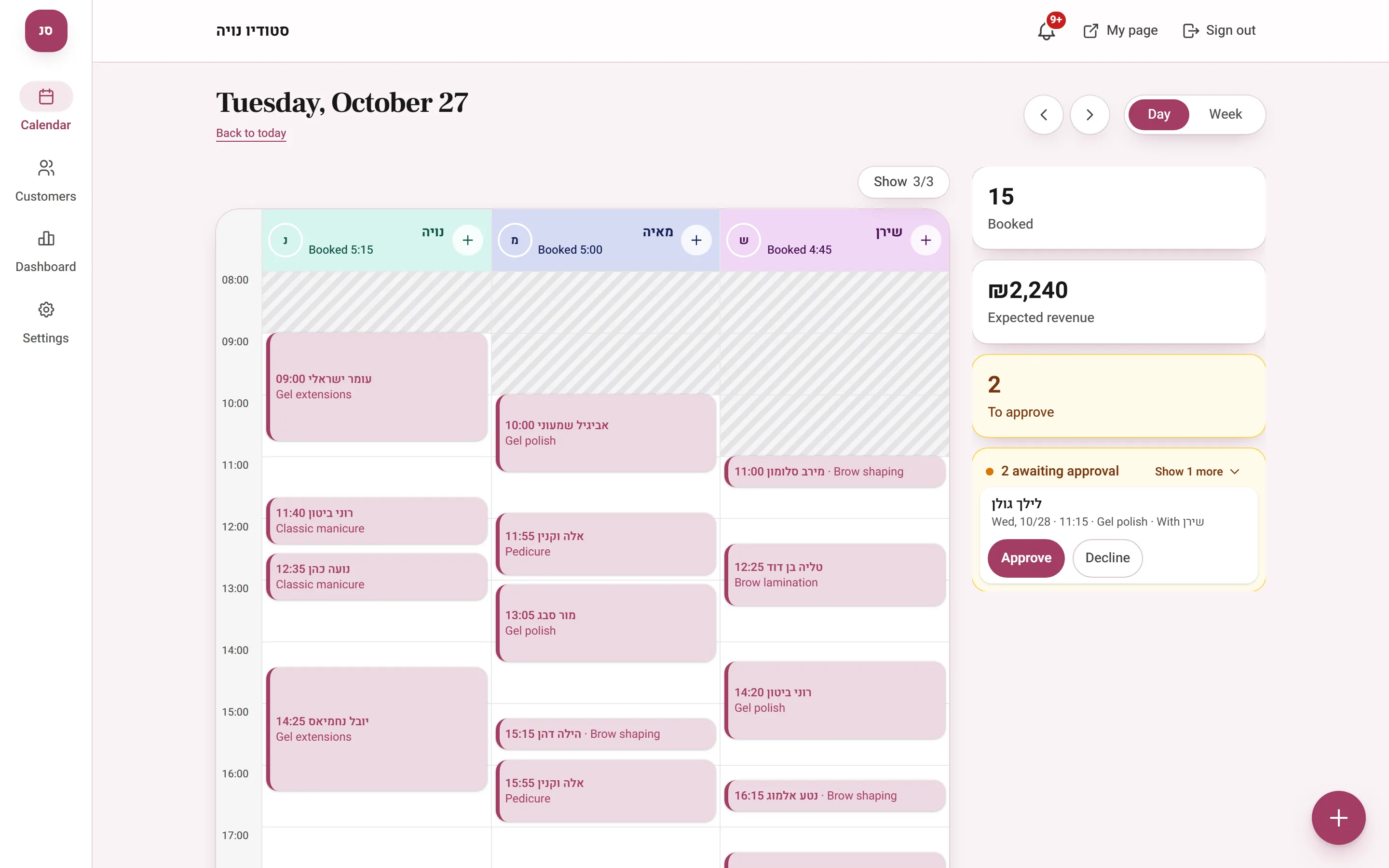
Everyone on the team gets a column. The owner sees all of them; each person manages their own.
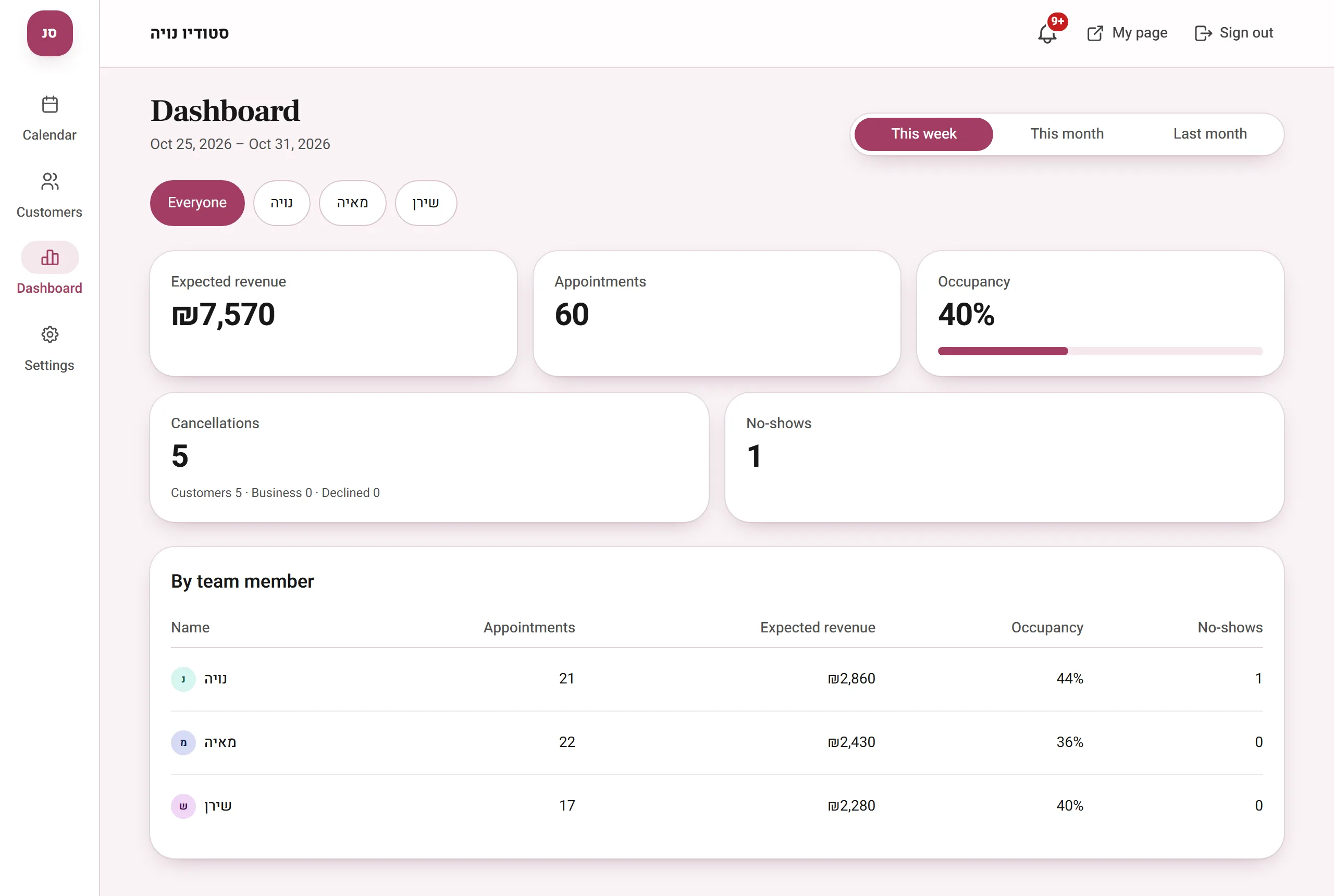
Real screenshots, with a sample business and data
One appointment, start to finish
She books, even at 2 a.m.
New appointment
Dana Cohen
Gel nails
Tue · 16:30 · Noa
Everything your business needs
Team, business page, payments, approved customers, reviews, import, waitlist, privacy and activity log. All in one place.
A whole team, one calendar
Add barbers, therapists or trainers. Each gets their own calendar and their own alerts.
Customers choose who with, or "whoever is free first".

A business page that sells for you
A gallery of your work, services with prices, and your customers' reviews.
Direct buttons for WhatsApp, Instagram, Facebook, TikTok and Waze.
Paid at the booking
You choose: full payment, a deposit, or pay after the appointment. The customer pays on a secure page and gets a receipt.
The money goes straight to your own Grow account. Torry never touches it and takes no fee.
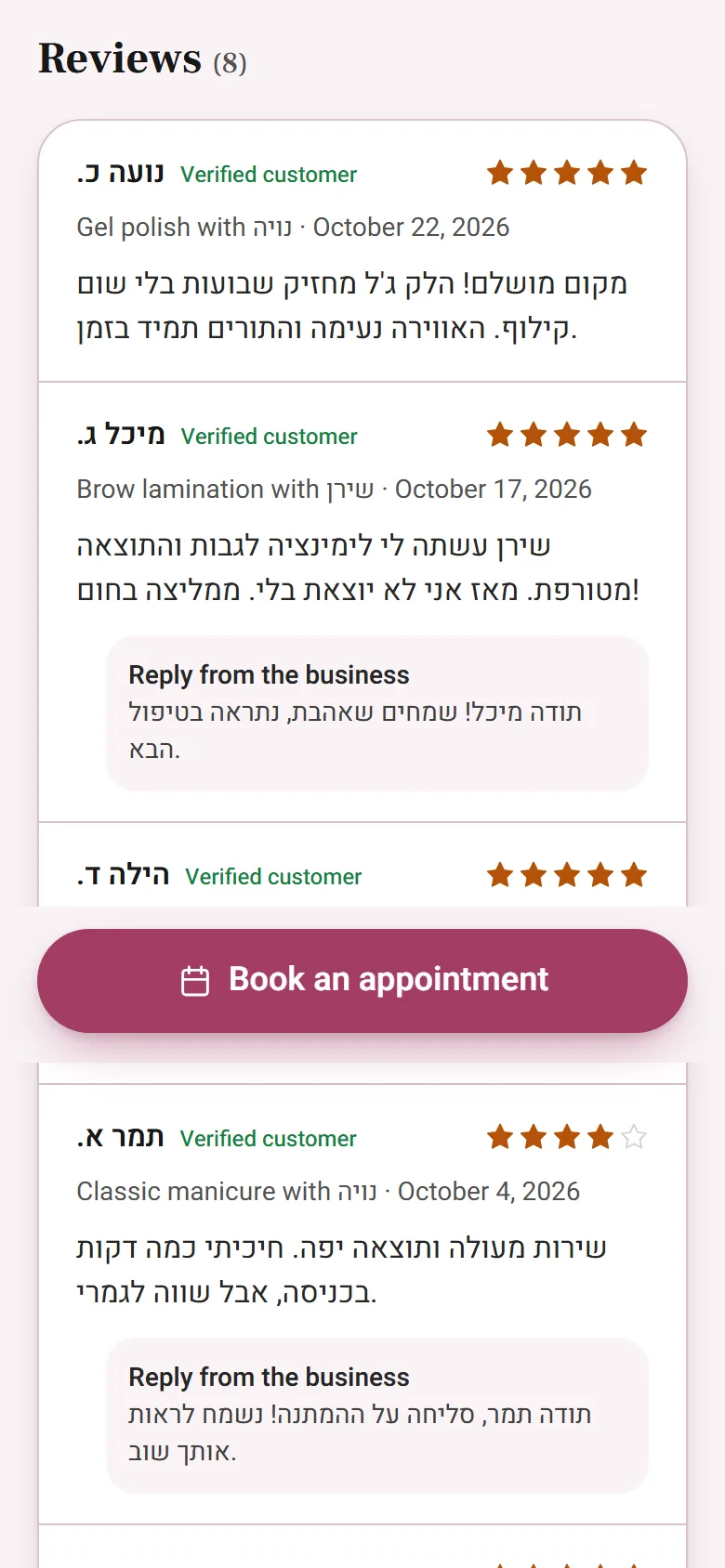
Reviews that arrive on their own
After every appointment the customer gets a short request to rate it.
Reviews appear on your business page, where every new customer sees them.
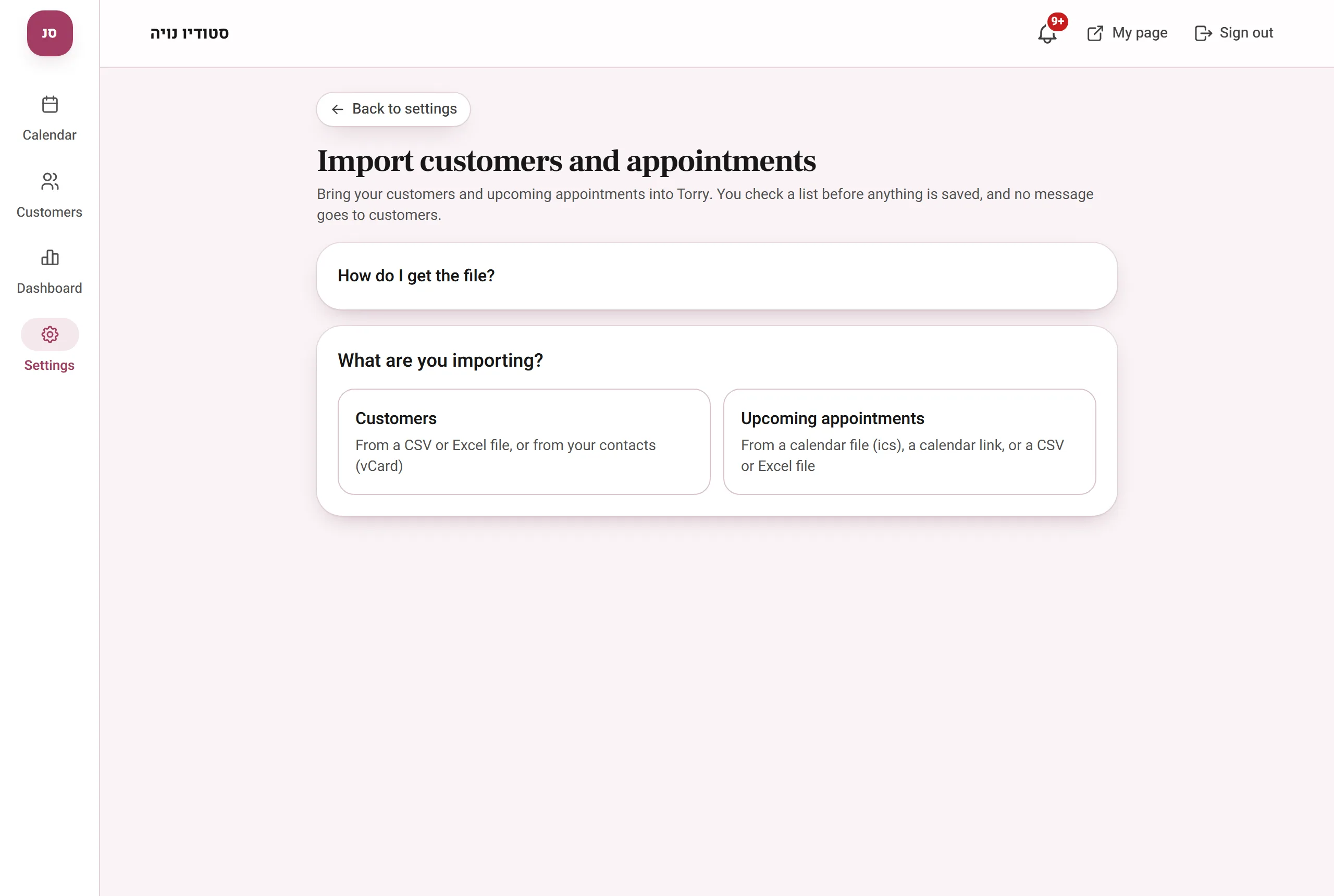
Switch without losing a customer
From any other booking system, Excel, or Google and Apple calendars.
Customers and future appointments move over, and you check every row before importing.
A slot opened? It's already taken
When a day is full, customers join the waitlist.
When someone cancels, everyone waiting hears about it right away.
Only your customers
Turn on "approved customers only". A new customer asks to join, and you approve or decline.
Once you approve, they get a message that they can book now. Existing customers carry on as usual.
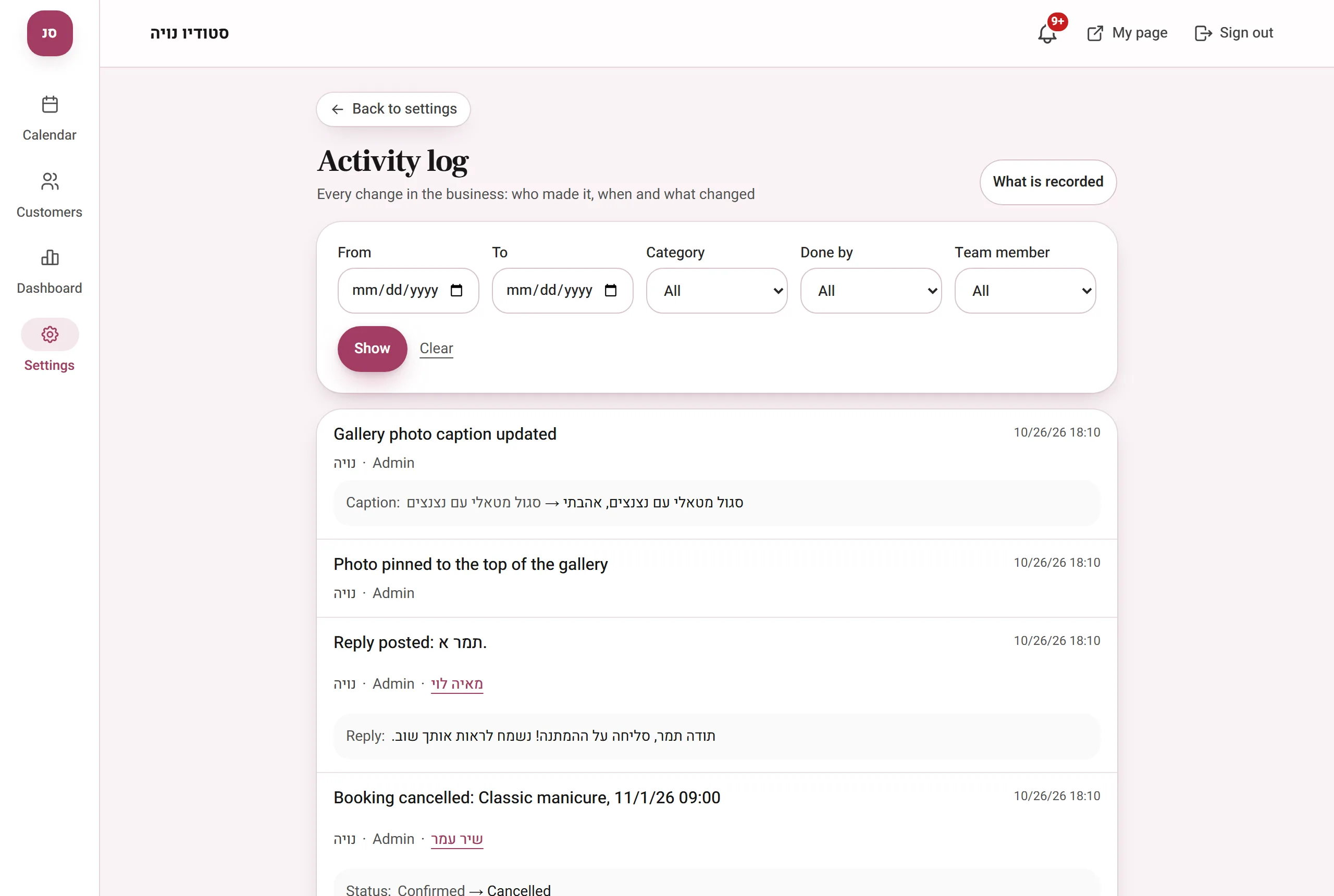
Activity log
Every booking, cancellation and change is recorded, with who and when.
No more guessing what happened to Tuesday's appointment.
Privacy and security
Two-step verification for owners and staff, and promotional messages only to customers who agreed.
You can delete a customer and export your data, and every action is logged.
If it runs on appointments






Haircut, beard or both. Customers pick a barber, and the appointment lands in their calendar.
Extensions, gel and fills. Every service has its own length and price, and your work shows in the gallery.
Treatment series, regulars and reminders. Torry is for booking only. No medical details are needed.
Regular sessions at the same hour, and a waitlist for full days.
Several therapists and rooms, and one calendar that shows them all.
Bath, cut and nails. The reminder goes to the owner, not the dog.
And private lessons, driving, photography and consulting: any business that runs on appointments.
Your own
app
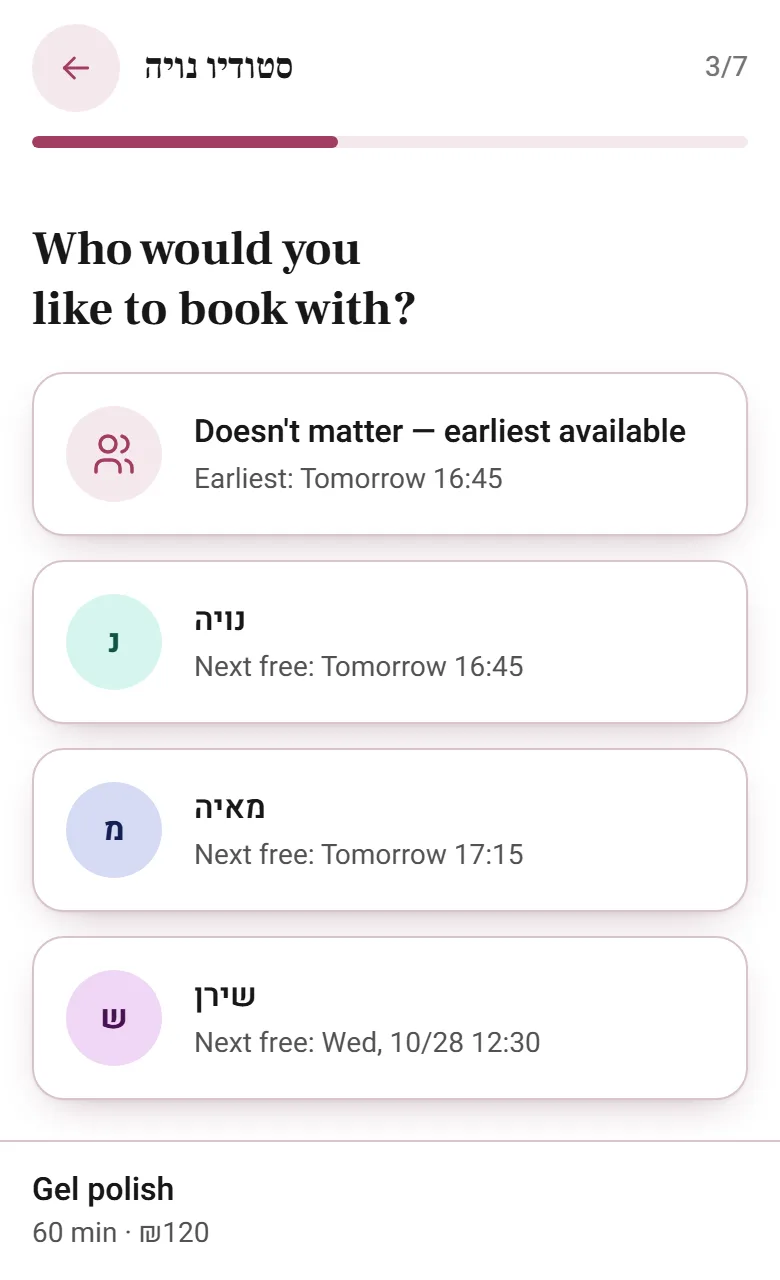
Torry as your business's own app on the App Store and Google Play, with your logo, colours and gallery. For a small extra fee.
Questions and answers
How much does it cost? It depends on your business and what you need. Message us and we'll send you a price.
Do I need to install anything? No. Torry works in the browser, and you can add it to your phone's home screen like an app.
Do my customers need an app? No. They book through a link, on WhatsApp or with an AI assistant, with no sign-up and no download.
How does the WhatsApp bot work? Customers message the business, the bot offers free days and times from your calendar and books the appointment. Cancelling and changing work in the same chat.
What does booking through ChatGPT or Claude mean? Anyone who connects Torry to their AI assistant can ask it to book with you. The assistant only sees free times, and the appointment lands in your calendar like any other.
I have a few staff. Does it fit? Yes. Each person gets their own calendar, you see all of them, and customers choose who with or "anyone free".
Can I take a deposit? Yes. You choose whether customers pay in full when booking, pay a deposit when booking and the rest after the appointment, or pay only after it. You can also leave payments off.
Where does the money go? Straight to your own Grow account. Torry never touches the money, never sees card numbers and takes no fee on payments.
Can I open my calendar only to regular customers? Yes. Turn on "approved customers only": a new customer asks to join, and you approve or decline. Existing customers keep booking as usual.
I use another system. Is switching hard? No. Import your customers and future appointments from your old system, Excel, or Google and Apple calendars, and check everything before it goes in.
How do reminders go out? By WhatsApp or SMS, the day before the appointment, without you doing a thing.
How do you protect our data? Two-step verification for owners and staff, promotional messages only to people who agreed, and you can delete a customer or export your data. Every action is recorded in the activity log.
Can I run everything from my phone? Yes. The calendar, approvals, customers and settings all work on mobile, even between customers.
I'm a therapist. What about medical details? Torry is for booking only. No medical details are needed.
I want Torry for my business
Leave your details and we'll get back to you soon.
Rather talk now?
Talk to us on WhatsApp (opens in a new tab)